


 Starlight
FAQs:
About the Product:
- What is the display size of the Elite Smart Watch?
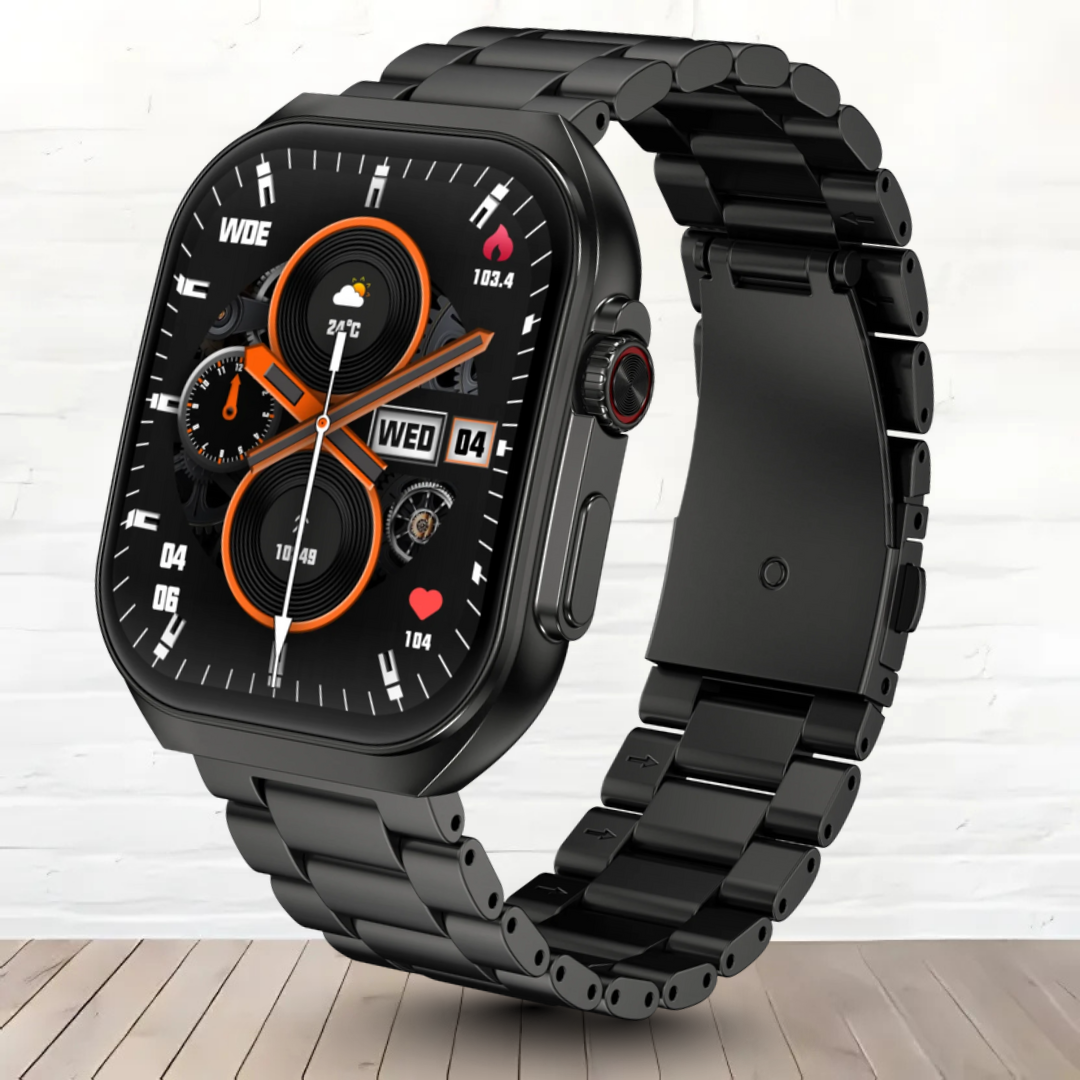
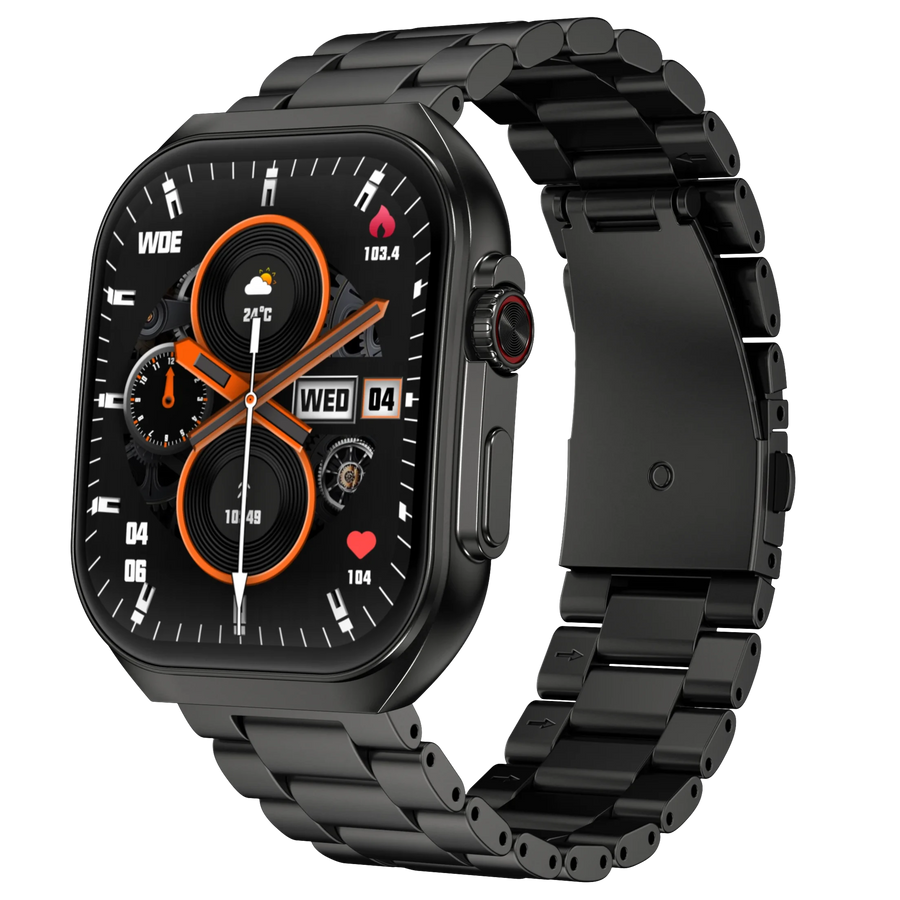
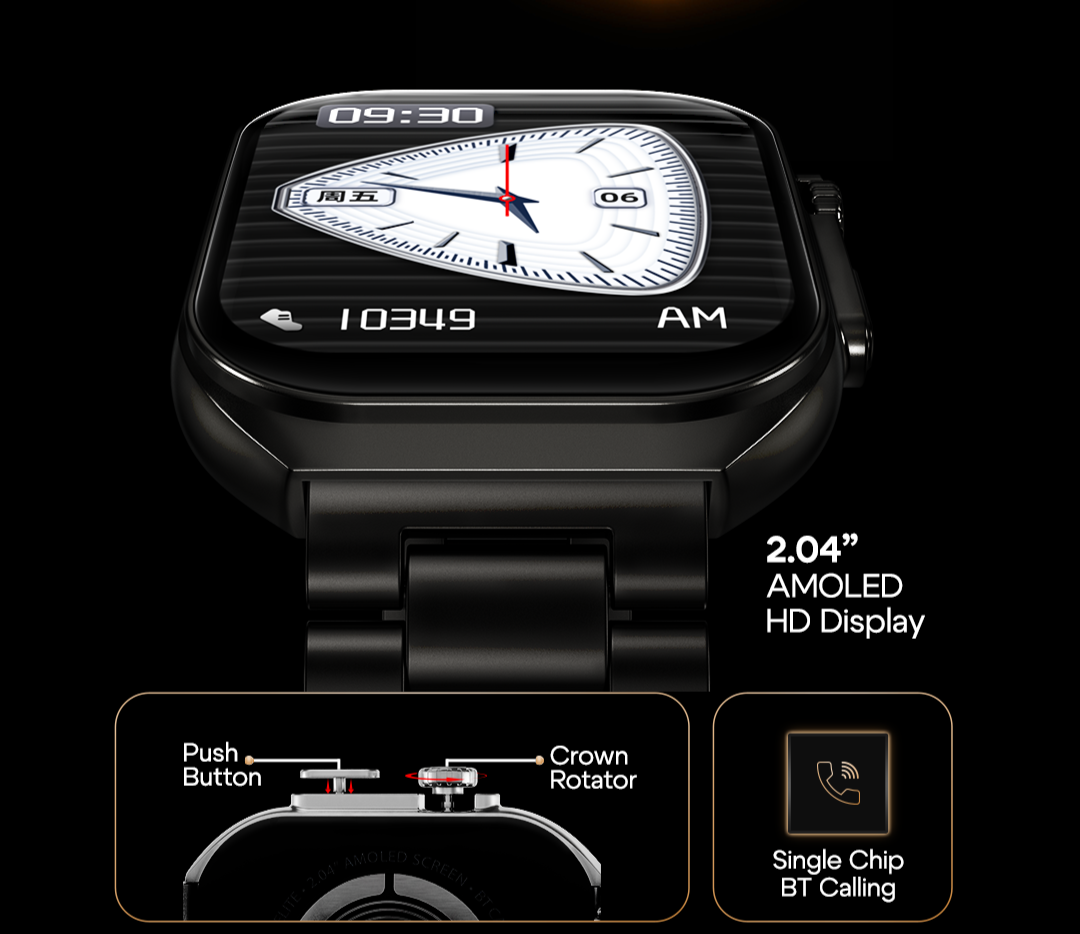
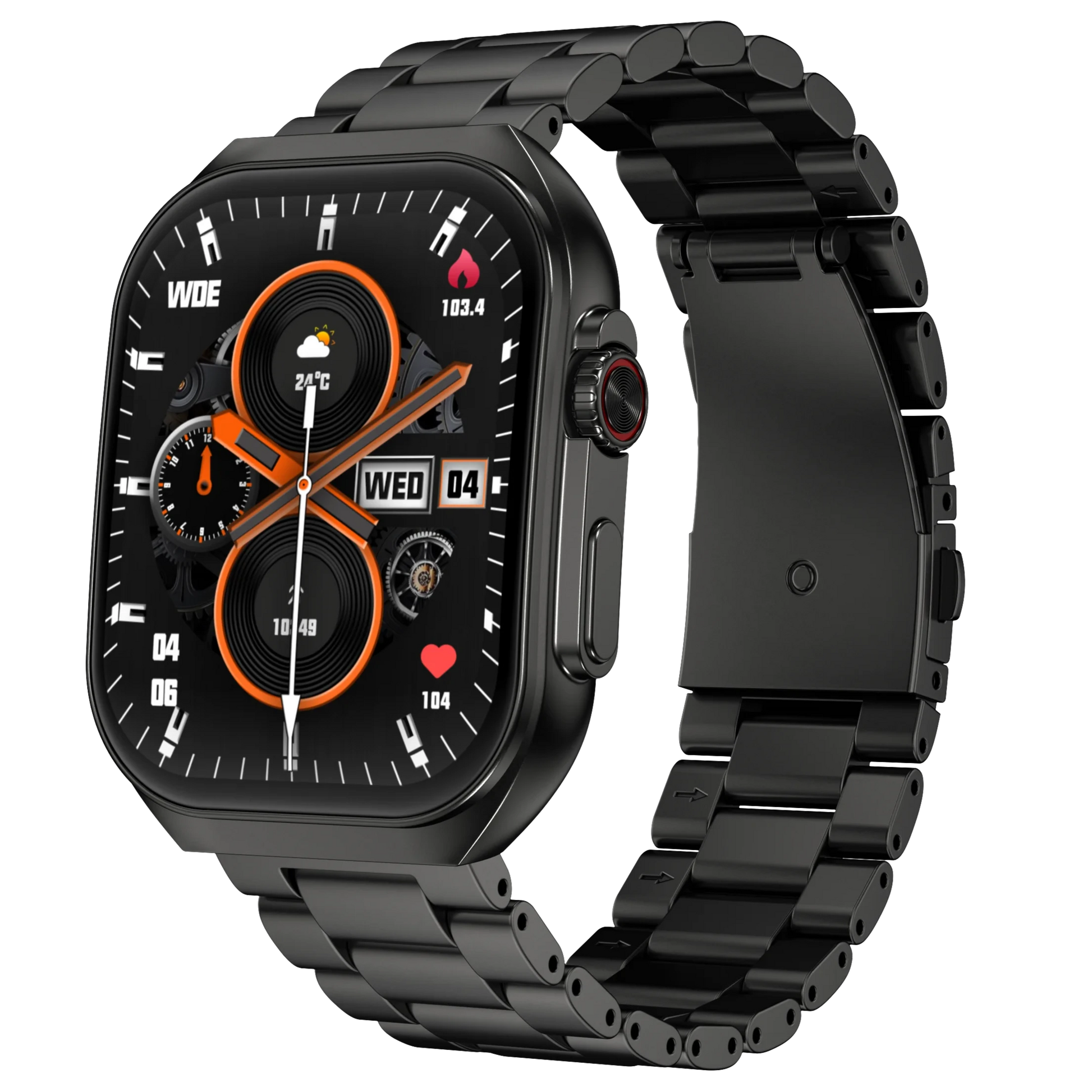
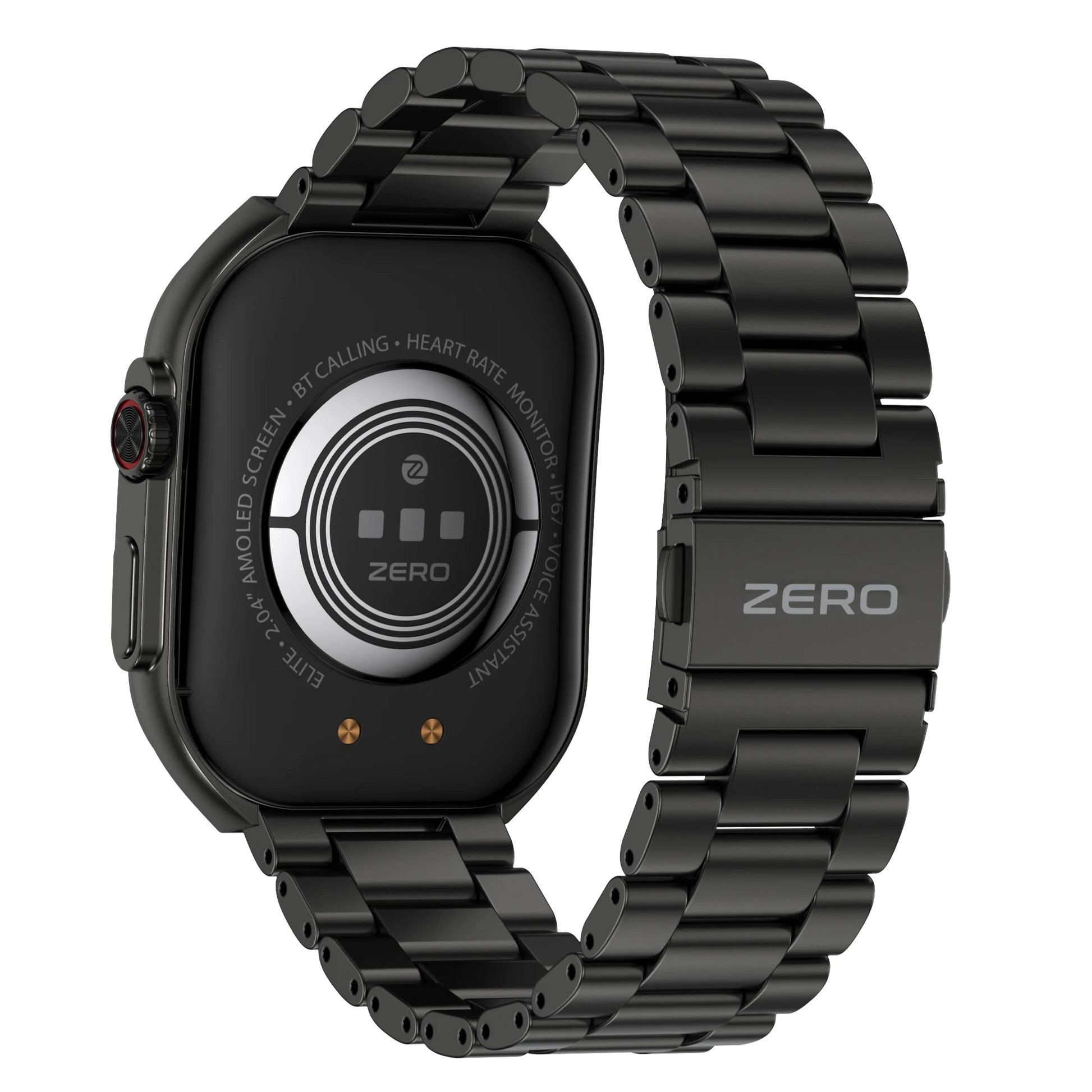
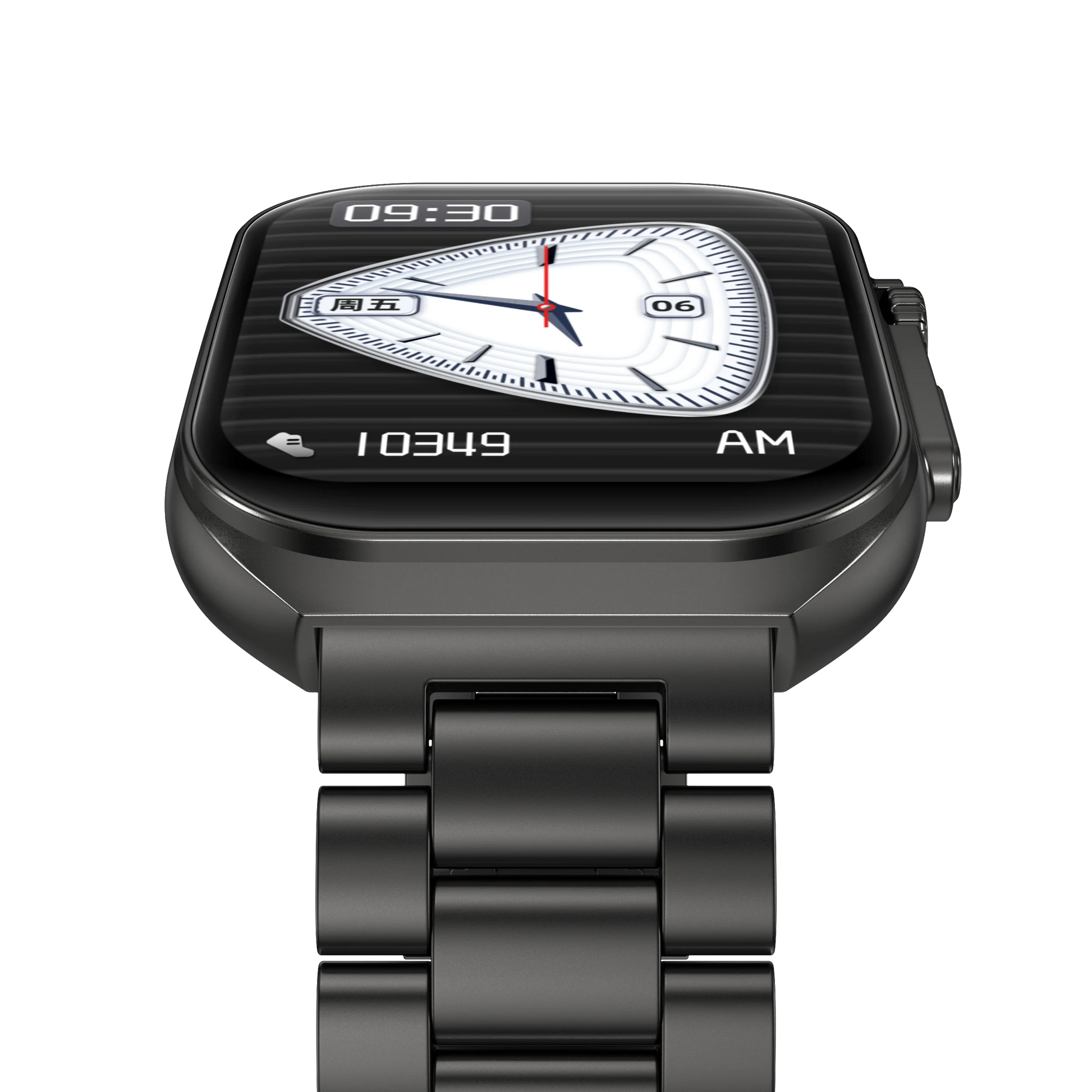
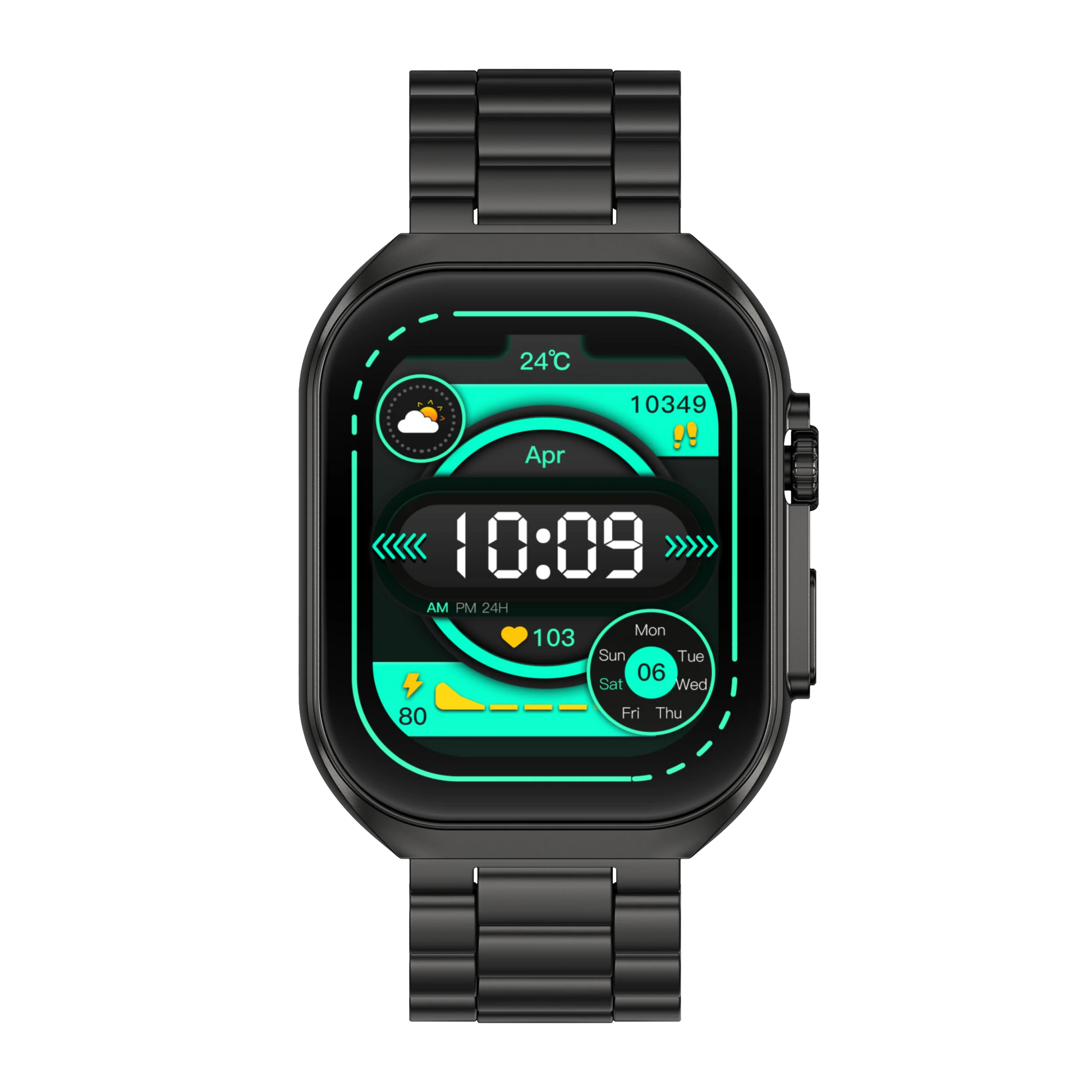
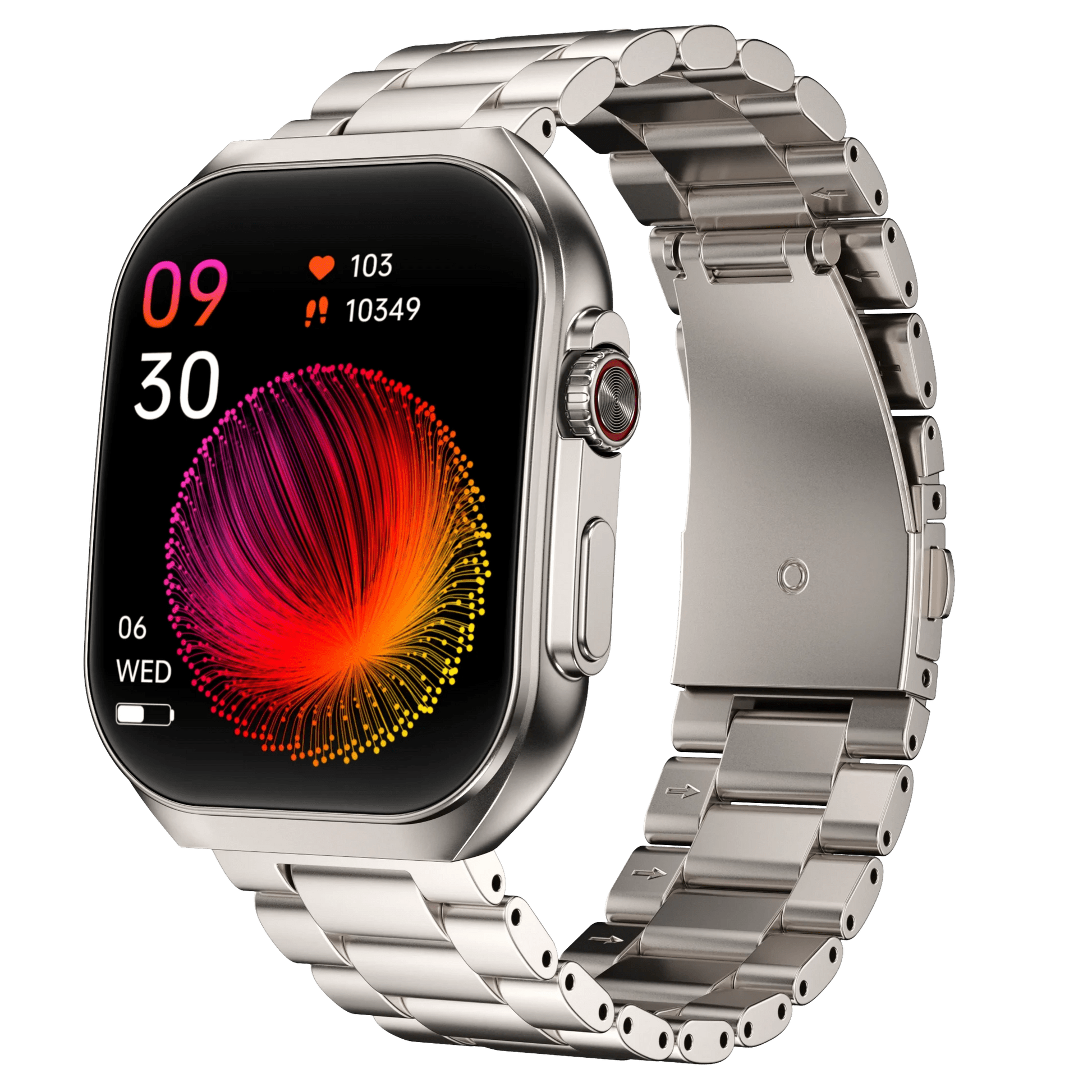
- The Elite Smart Watch features a 2.04" AMOLED display, offering clear visuals and high brightness.
- Is the Elite Smart Watch shockproof?
- No, the Elite Smart Watch is not shockproof. Please avoid dropping it on hard surfaces.
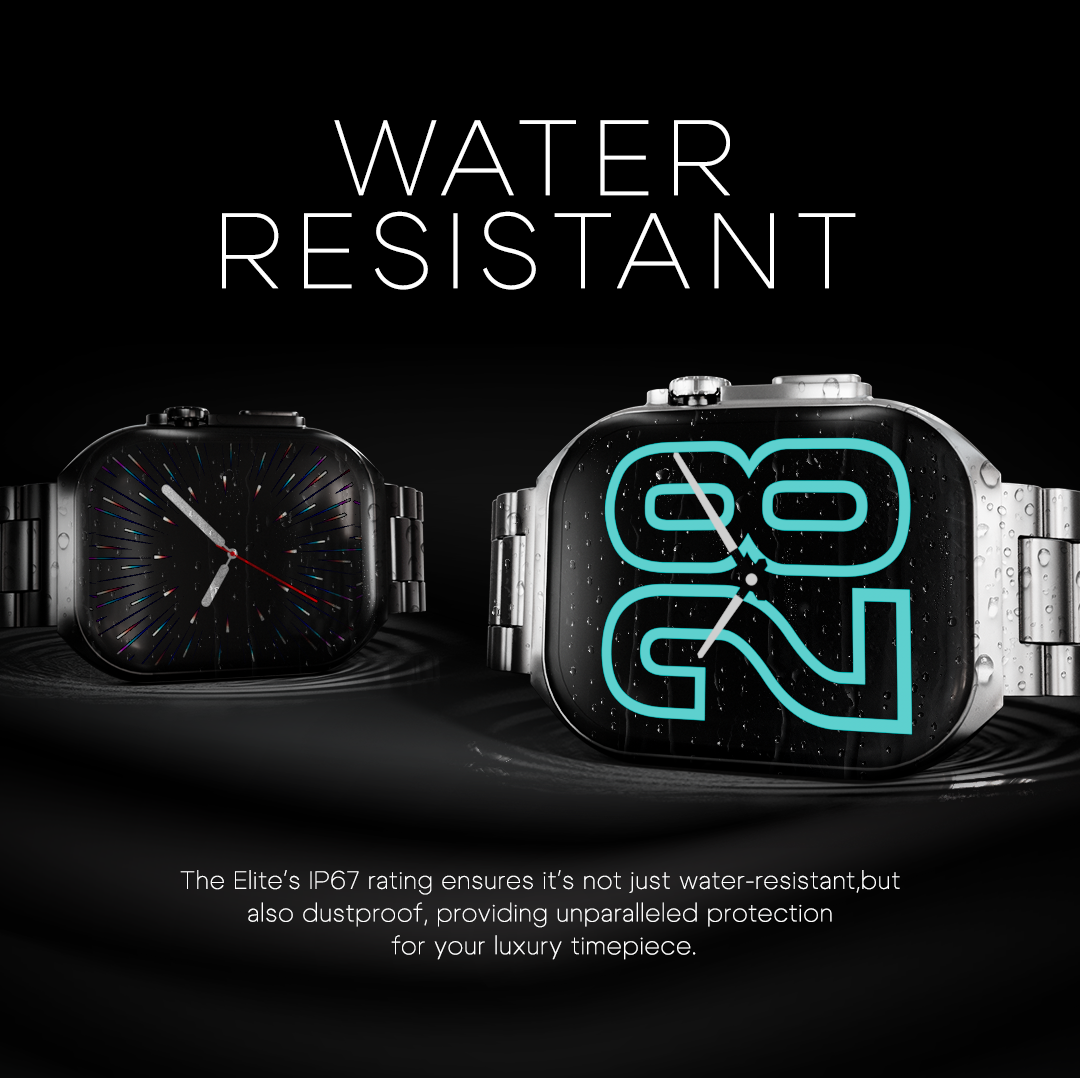
- Is the Elite Smart Watch waterproof?
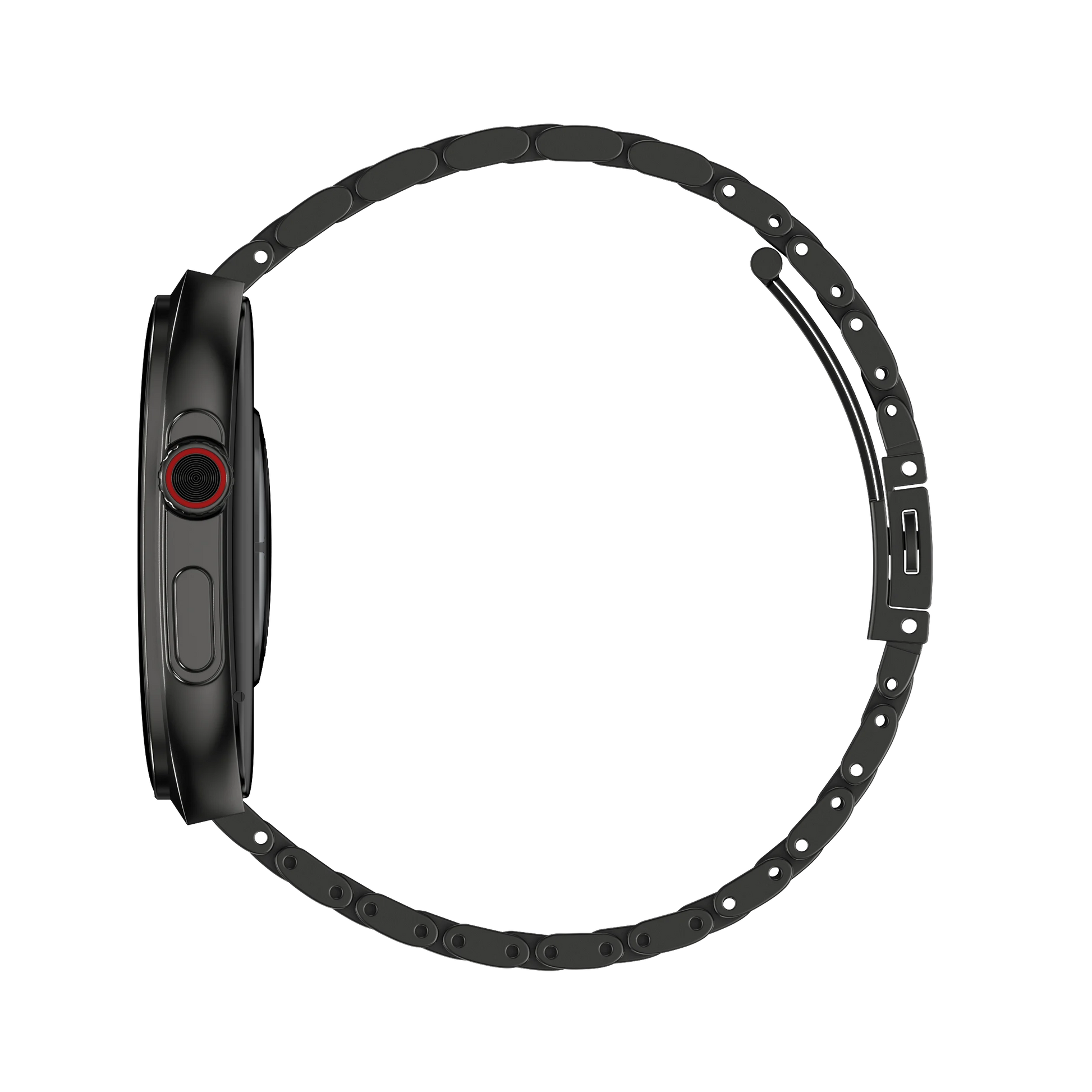
- Yes, it has an IP67 rating, making it water-resistant for daily activities like hand washing and light splashes.
- Can I receive calls on my Elite Smart Watch?
- Yes, you can accept or reject calls directly from your watch via Bluetooth calling.
- What is the pixel resolution of the Elite Smart Watch?
- The watch has a resolution of 368*448 pixels, providing a high-quality display.
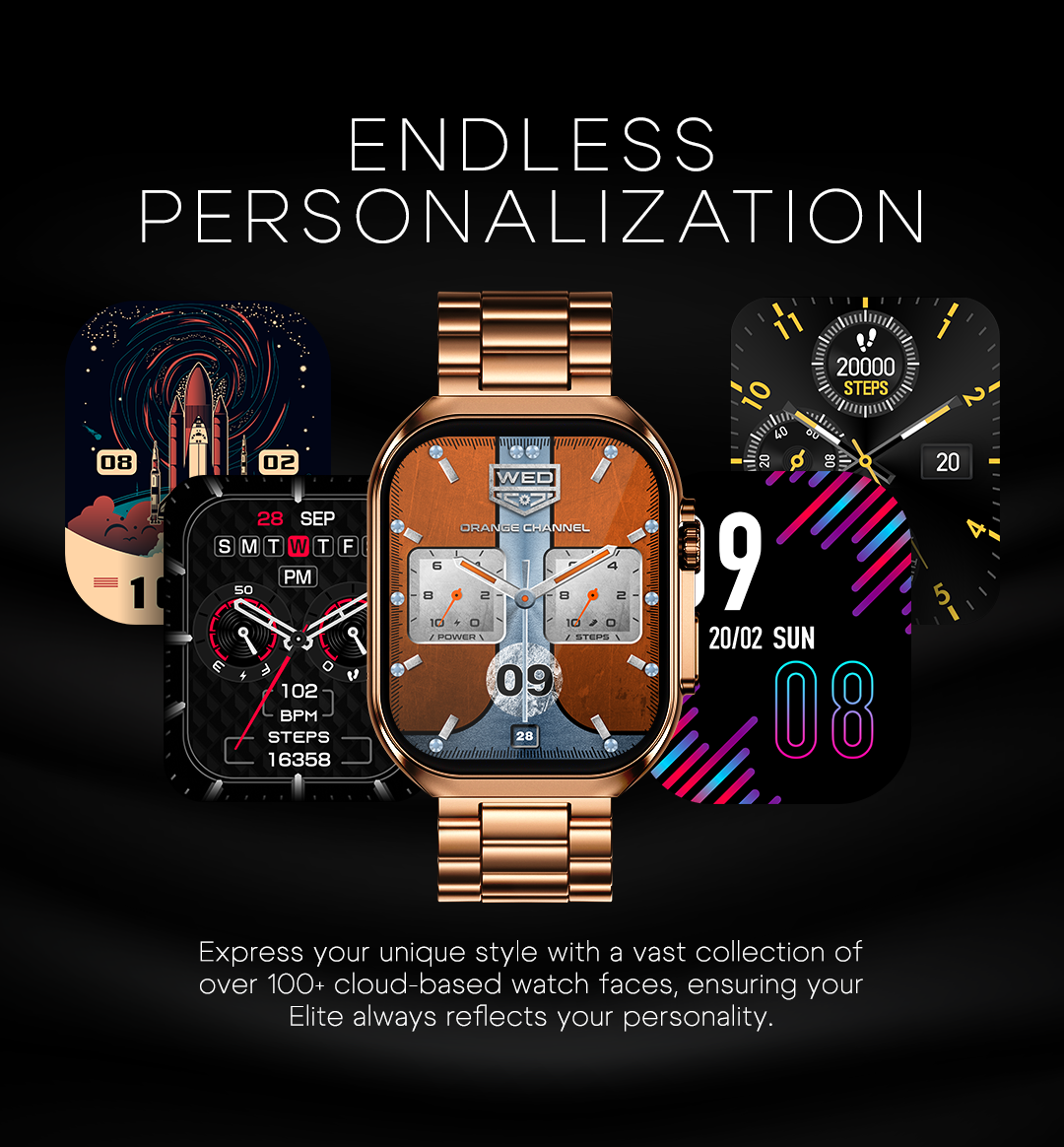
- How many watch faces are available on the Elite Smart Watch?
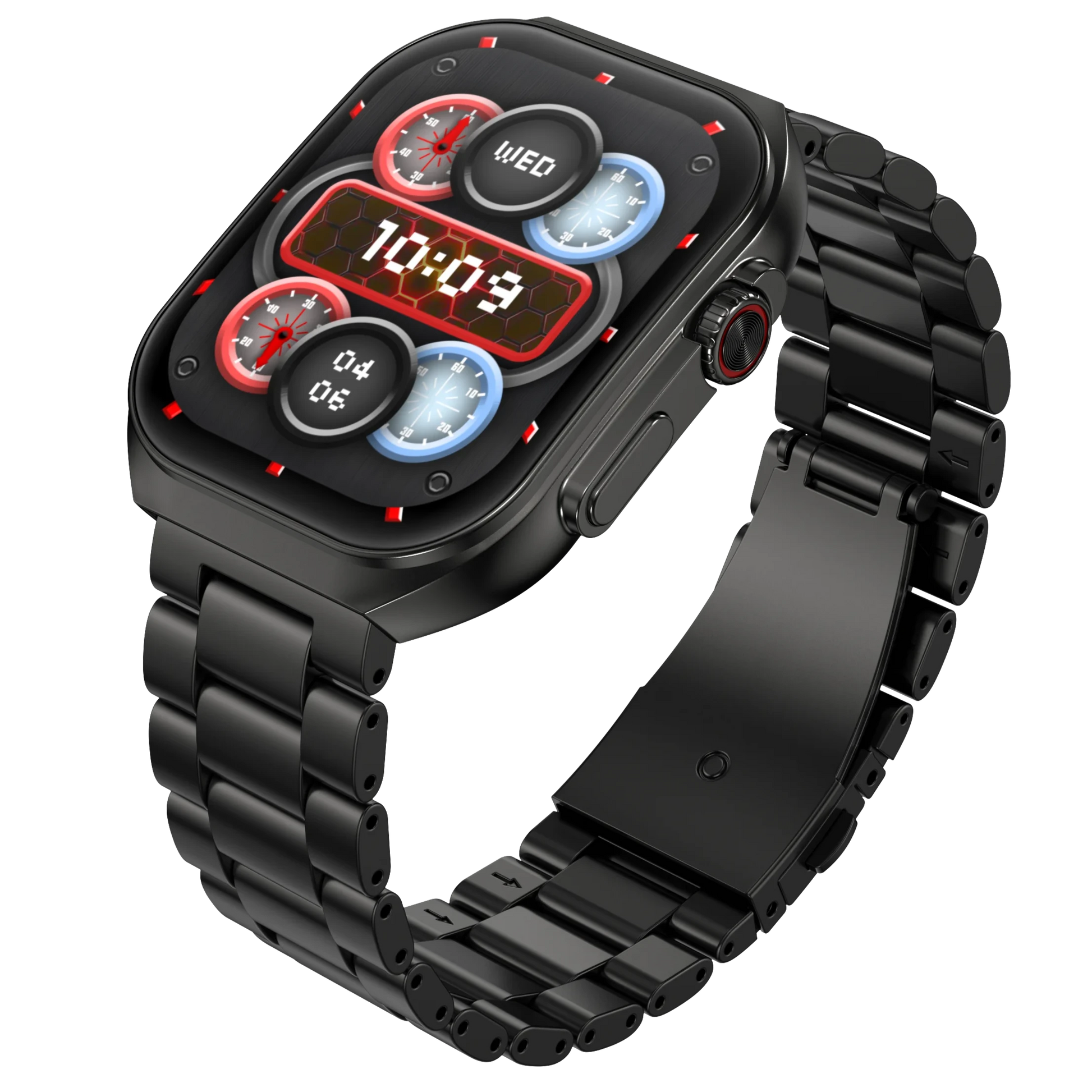
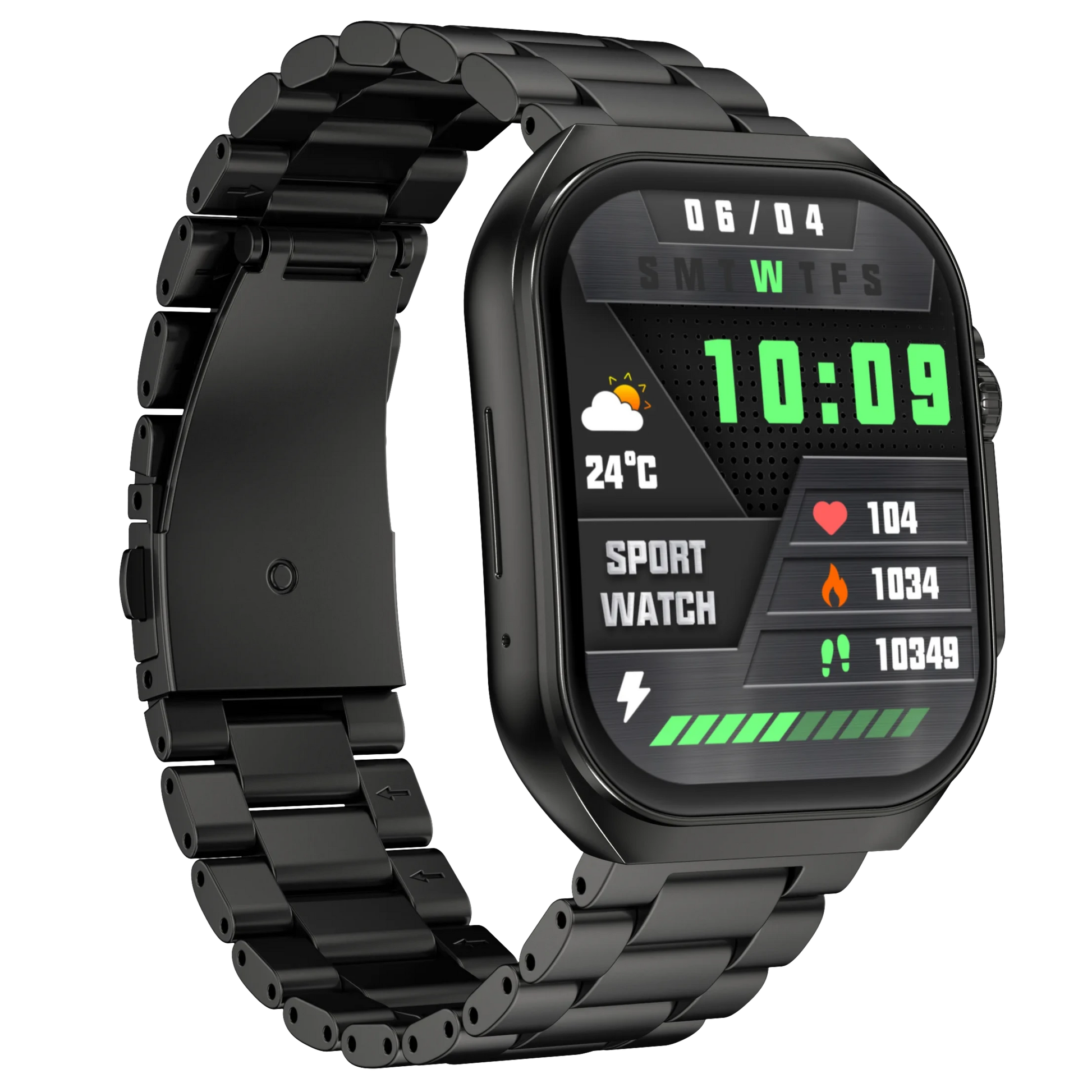
- You can choose from over 200 cloud-based watch faces, and it also supports DIY custom watch faces.
- Does it have GPS?
- No, the Elite Smart Watch does not support GPS functionality.
Getting Started:
- How do I set up my Elite Smart Watch?
- Charge your smartwatch and smartphone, download the Da Fit app, and link the watch by following the prompts on the app.
- My smartwatch is not syncing. What should I do?
- Check if the Bluetooth connection is active and if the Da Fit app is running in the background.
- How do I restart my smartwatch?
- Go to Settings > System Settings > Reboot, then tap Restart.
- How do I turn off my Elite Smart Watch?
- Go to Settings > System Settings > Power Off, and turn off your smartwatch.
Battery & Charging:
- What is the battery capacity and standby time of the Elite Smart Watch?
- The Elite Smart Watch has a 220 mAh battery with 5-7 days of usage time and a standby time of up to 20 days.
- How do I know when my Elite Smart Watch is fully charged?
- A notification will show "100% Charged" when the watch is fully charged, which takes about 2 hours.
- How can I extend the battery life of my Elite Smart Watch?
- Lower the screen brightness and disable the All-Day Heart Rate measurement feature to conserve battery life.
App:
- What is the name of the app for Elite Smart Watch?
- The app is called "Da Fit," available for both Android and iOS.
- How do I manage my profile on the Da Fit app?
- You can manage your profile by going to Settings > Profile within the Da Fit app.
Syncing:
- How does my Elite Smart Watch sync data?
- The watch syncs data with the Da Fit app via Bluetooth.
Alerts & Notifications:
- Will the Elite Smart Watch show notifications from social media apps?
- Yes, you can select which apps send notifications to your watch from the Da Fit app.
Health Features:
- What does SpO2 monitoring mean?
- SpO2 monitoring refers to measuring the oxygen level in your blood.
- Will the Elite Smart Watch track my sleep?
- Yes, it tracks your sleep even when the watch isn’t connected to the app. Data will sync once reconnected.
Compatibility:
- Is the Elite Smart Watch compatible with Android phones?
- Yes, it is compatible with Android 5.0 and above.
- Is the Elite Smart Watch compatible with iOS phones?
- Yes, it is compatible with iOS 9.0 and above.
Warranty:
- Does the Elite Smart Watch come with a warranty?
- Yes, the watch includes a 1-year warranty.