

Login
Purchase products from our website and enjoy Free Shipping.

Poduct Detail
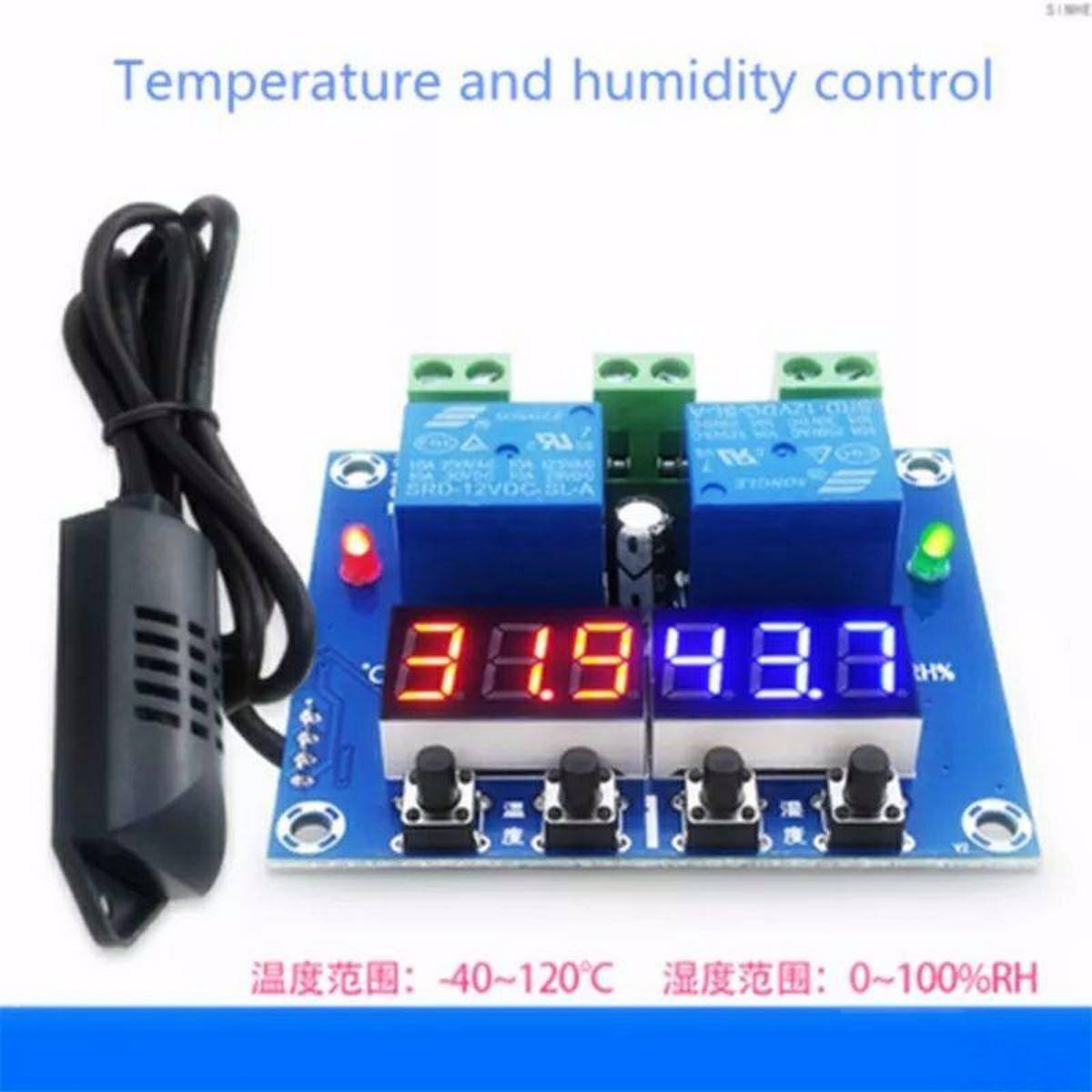
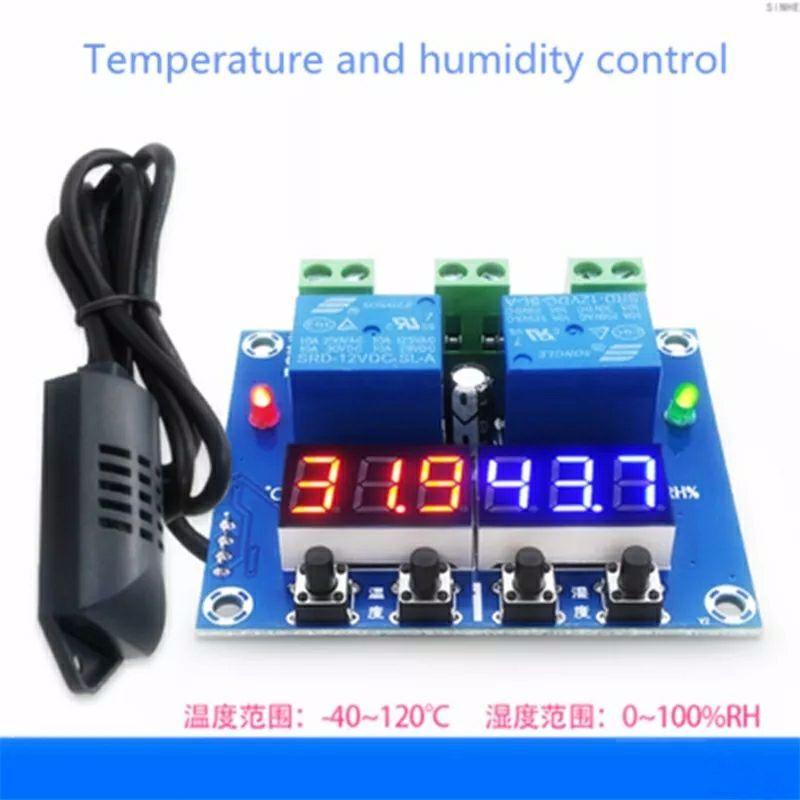
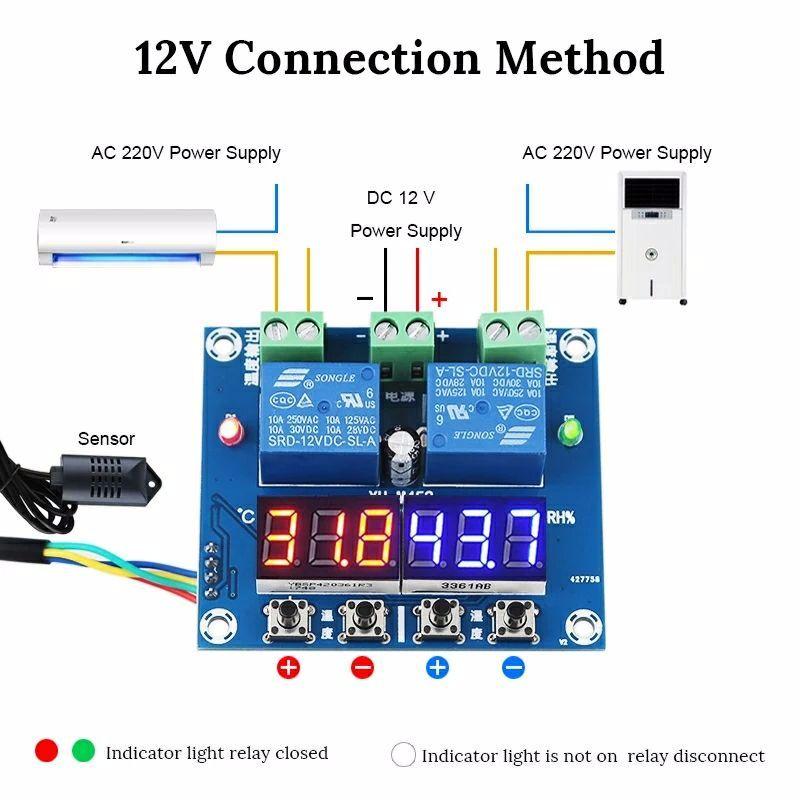
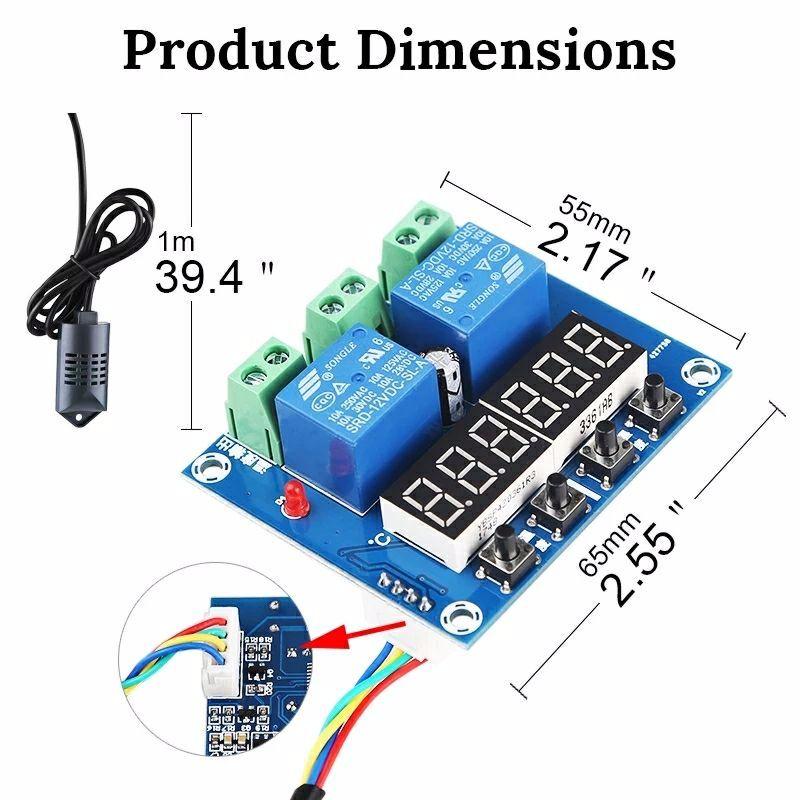
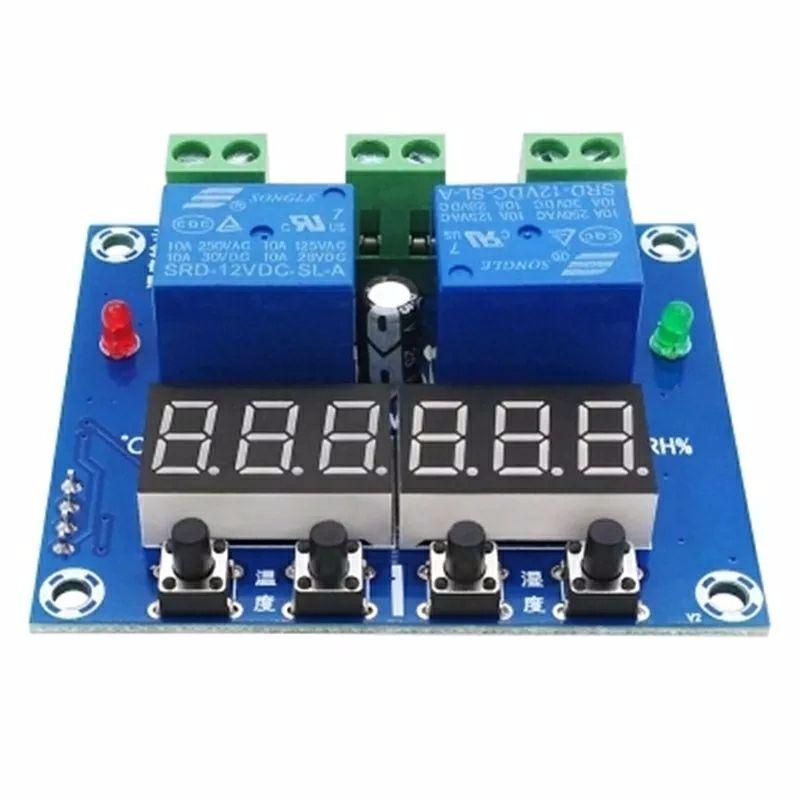
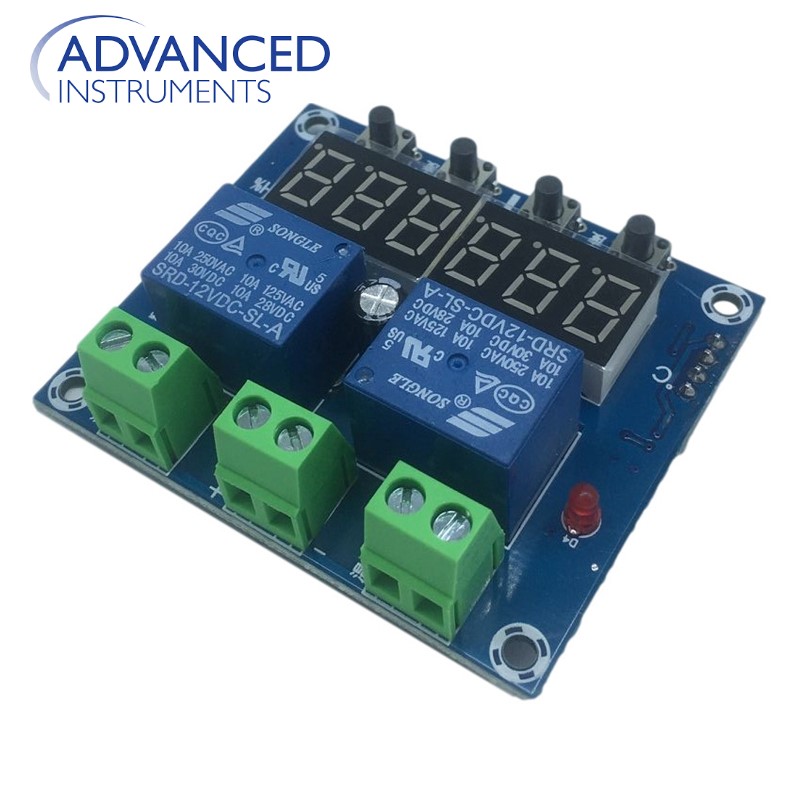
M452 DC 12V LED Digital Thermostat Temperature Humidity Control Thermometer Hygrometer Controller Relay Module AM2301 Probe ZFX-M452 For Incubator parts in Pakistan
KHREED.PK
Rs. 0
In StockSKU:
Categories & Tags: Computers & Laptops, Computer Components, Imported, Pakistan, Discount, High Quality
Share:
Features:
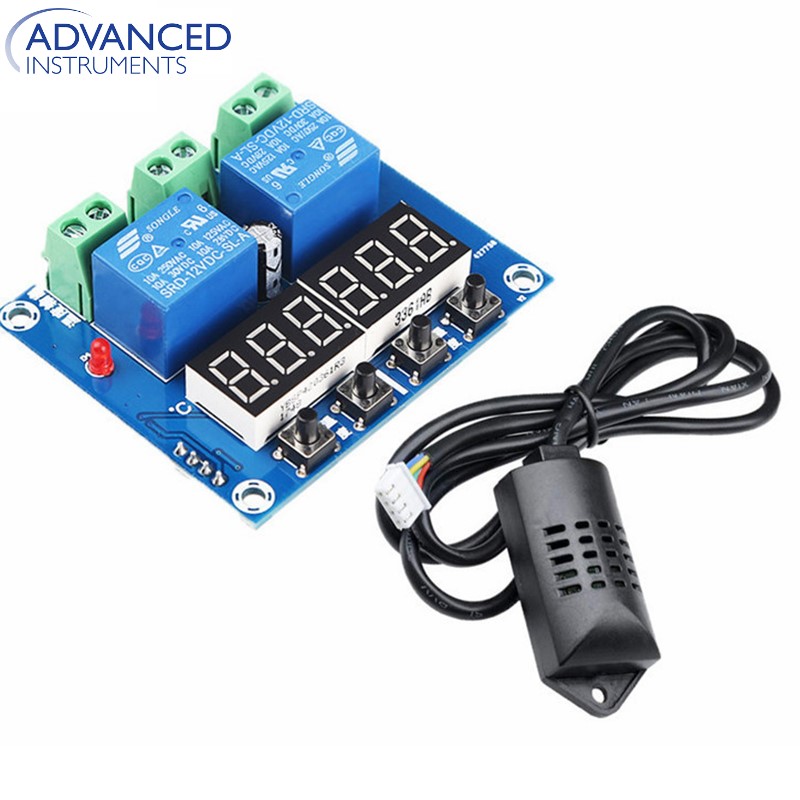
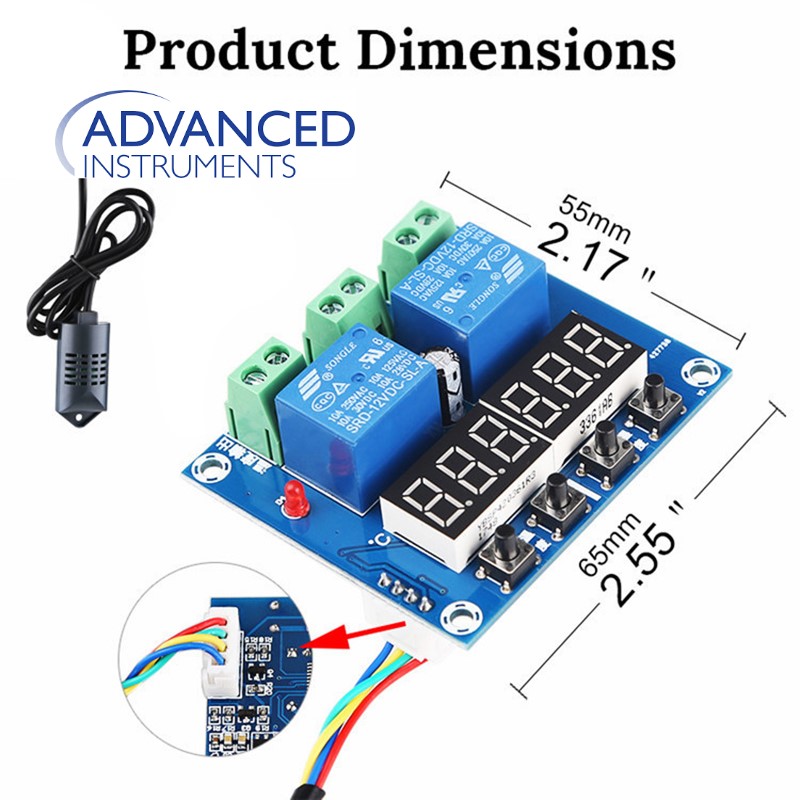
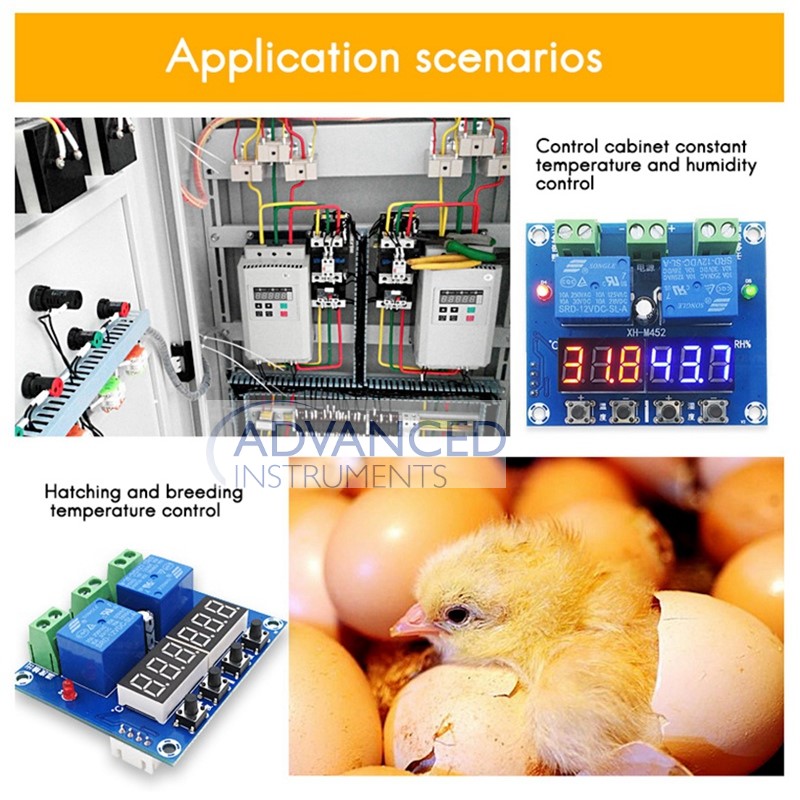
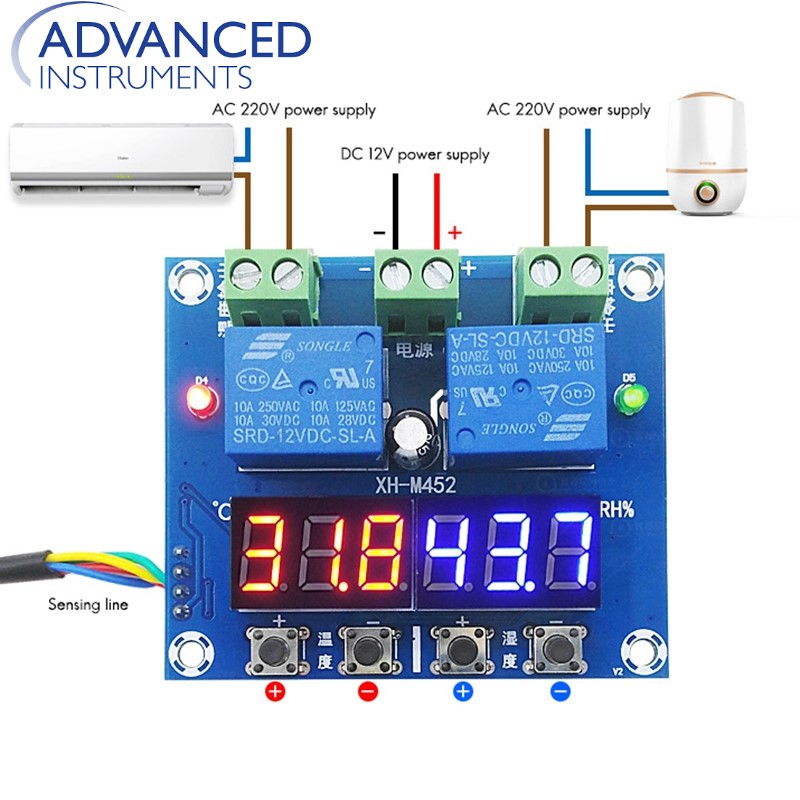
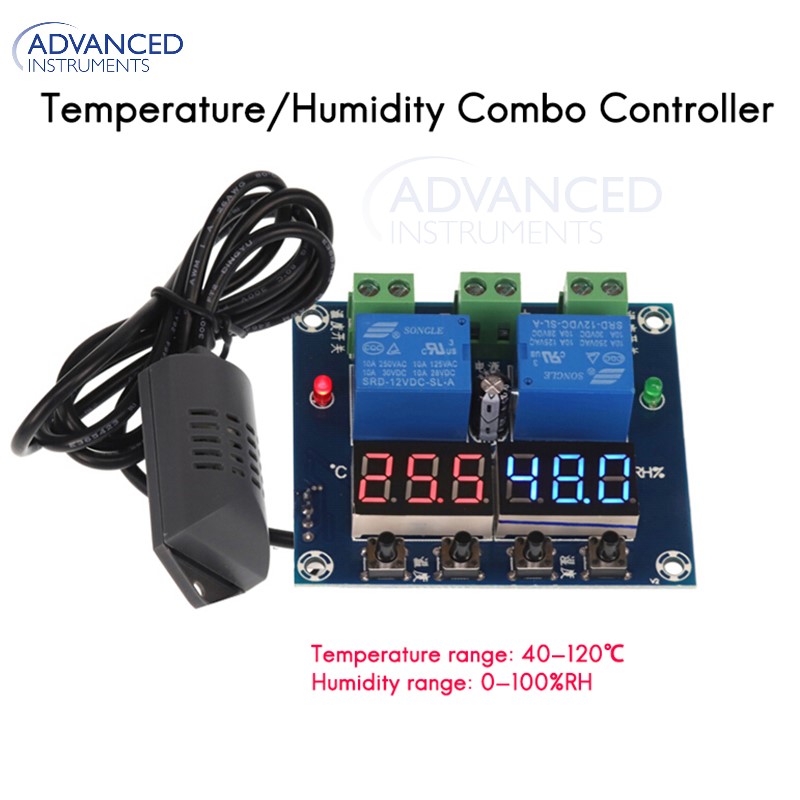
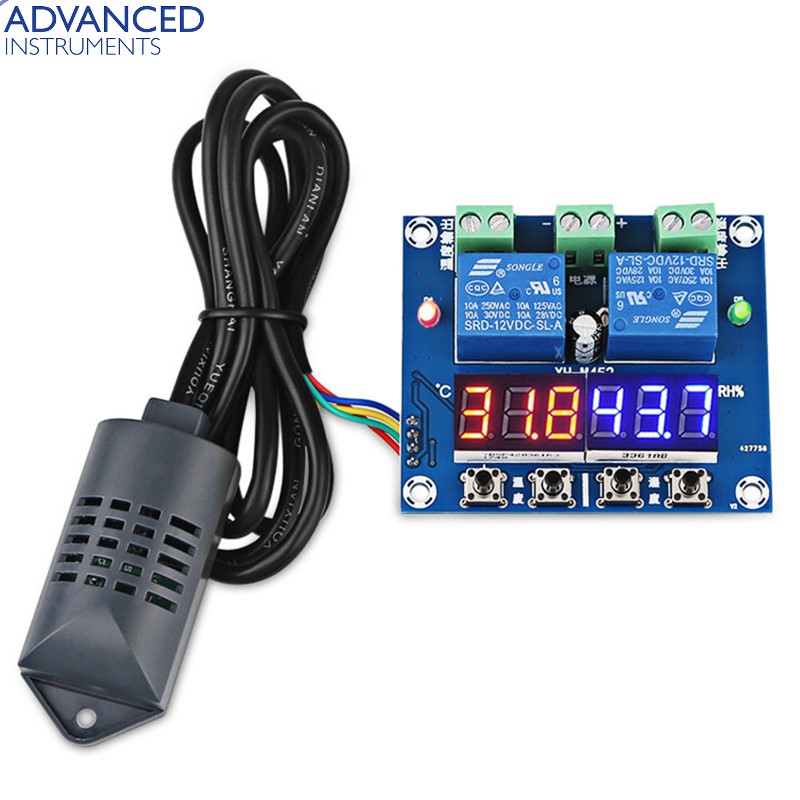
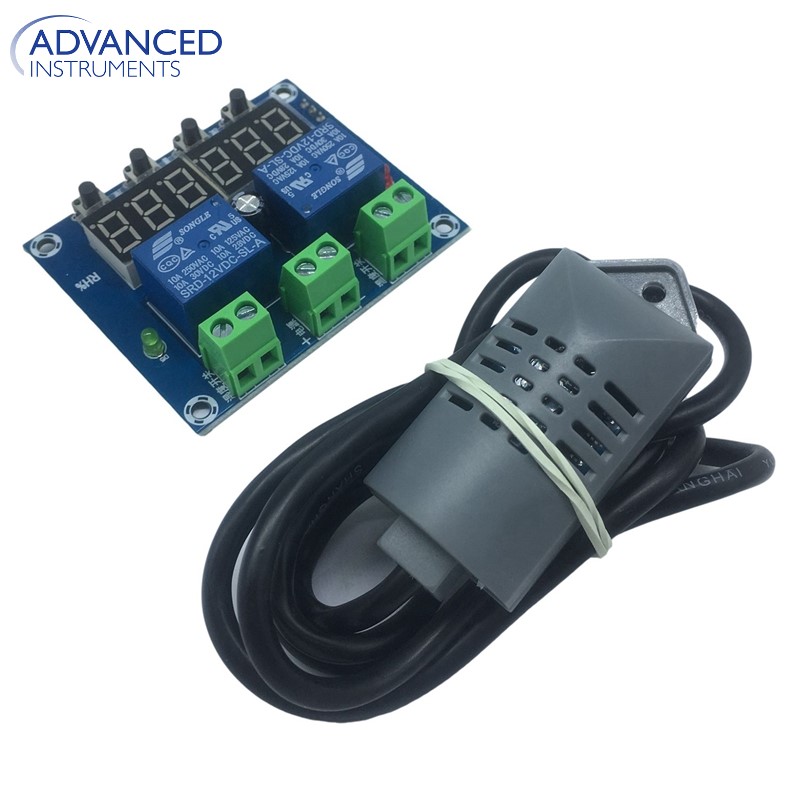
XH-M452 DC 12V LED Digital Thermostat Temperature Humidity Control Thermometer Hygrometer Controller Relay Module AM2301 Probe
- Supports heating mode and cooling mode.
- High precision 0.1 Celsius and 0.1% RH.
- Real-time display of temperature and humidity.
- Custom load, arbitrarily selected.
- Simple setting.
- Easy installation.
- Power-down memory function.
Description:
M452 DC 12V LED Digital Thermostat Temperature Humidity Control Thermometer Hygrometer Controller Relay Module AM2301 Probe
Key Description:
- ‘Temperature +’ : Short press to display start temperature; Long press to set start temperature by key ‘Temperature +’ and ‘Temperature -’ and display will flashing. It will save automatically after 5 Seconds. (Long press is for 3 seconds).
- ‘Temperature -’ : Short press to display stop temperature; Long press to set stop temperature by key ‘Temperature +’ and ‘Temperature -’ and display will flashing. It will save automatically after 5 Seconds. (Long press is for 3 seconds).
- ‘Humidity +’ : Short press to display start humidity; Long press to set start humidity by key ‘Humidity +’ and ‘Humidity -’ and display will flashing. It will save automatically after 5 Seconds. (Long press is for 3 seconds).
- ‘Humidity -’ : Short press to display stop humidity; Long press to set stop humidity by key ‘Humidity +’ and ‘Humidity -’ and display will flashing. It will save automatically after 5 seconds. (Long press is for 3 seconds).
- Note: Restore factory settings if keep press ‘Temperature -’ and ‘Humidity +’ until two screen flashing and display ‘888 888’ at the time.
Temperature Control:
- Set Start Temperature: Long press ‘Temperature +’ to set start temperature by key ‘Temperature +’ and ‘Temperature -’ and display will flashing. It will save automatically after 5 seconds and then display current actual temperature.
- Set Stop Temperature: Long press ‘Temperature -’ to set stop temperature by key ‘Temperature +’ and ‘Temperature -’ and display will flashing. It will save automatically after 5 seconds and then display current actual temperature.
- Automatic mode selection:
It is Heating mode if Start Temperature is lower than Stop Temperature. It is Cooling mode if Start Temperature is higher than Stop Temperature.
- Set Steps: Focus: Start Temp < Stop Temp (Heating mode, Automatic judgment)
Start Temp > Stop Temp (Cooling mode, Automatic judgment)
Method: Please refer to Set Start/Stop Temperature.
Heating mode example:
Step 1 : Set Heating mode, Start Temp < Stop Temp.
Step 2 : Long press ‘Temperature +’ and Start Temp flashing. Set Start Temperature to 50 Celsius by ‘Temperature +’ and ‘Temperature -’.
Step 3 : Long press ‘Temperature -’ and Stop Temp flashing.Set Stop Temperature to 65Celsius by ‘Temperature +’ and ‘Temperature -’.
Cooling mode example:
Step 1 : Set Cooling mode, Start Temp > Stop Temp.
Step 2 : Long press ‘Temperature +’ and Start Temp flashing. Set Start Temperature to 30 Celsius by ‘Temperature +’ and ‘Temperature -’.
Step 3 : Long press ‘Temperature -’ and Stop Temp flashing. Set Stop Temperature to 26Celsius by ‘Temperature +’ and ‘Temperature -’.
NOTE: Indicator will OFF and Load will not work If the temperature is set incorrectly. So please check if Start Temp and Stop Temp are right after set.
Humidity Control:
- Set Start Humidity : Long press ‘Humidity+’ to set start humidity by key ‘Humidity+’ and ‘Humidity-’ and display will flashing. It will save automatically after 5 seconds and then display current actual humidity .
- Set Stop Humidity : Long press ‘Humidity-’ to set stop humidity by key ‘Humidity+’ and ‘Humidity-’ and display will flashing. It will save automatically after 5 seconds and then display current actual humidity .
- Automatic mode selection : It is Humidification mode if Start Humidity is lower than Stop Humidity.
It is Dehumidify mode if Start Humidity is higher than Stop Humidity.
- Humidification mode example: Fresh storage humidification, control humidifier 50% RH to begin humidification, humidify to 80% RH stop.
Step 1 : Set Humidification mode, Start Hum< Stop Hum.
Step 2 : Long press ‘Humidity+’ and Start Hum flashing. Set Start Humidity to 50% RH by ‘Humidity+’ and ‘Humidity-’.
Step 3 : Long press ‘Humidity-’ and Stop Hum flashing. Set Stop Humidity to 80% RH by ‘Humidity+’ and ‘Humidity-’.
- Dehumidify mode example: Dehumidification control system in the workshop, humidity 70% RH starts dehumidification, humidity 40% RH stops dehumidification. Step 1 : Set Humidification mode, Start Hum> Stop Hum.
Step 2 : Long press ‘Humidity+’ and Start Hum flashing. Set Start Humidity to 70% RH by ‘Humidity+’ and ‘Humidity-’.
Step 3 : Long press ‘Humidity-’ and Stop Hum flashing. Set Stop Humidity to 40% RH by ‘Humidity+’ and ‘Humidity-’.

CONTACT INFORMATION
CALL
+92 318 04500 11
FIND US
Lahore Pakistan
Info@Khreed.pk
sales@Khreed.pk